

 Menu
Menu
- Bus Audio & Video(858)
- Bus doors(672)
- Filters and Filter Elements(18)
- Bus Seats(219)
- Bus Bodywork(565)
- Wheels: Tyres, Rims, Wheel Covers(24)
- Air conditioning(400)
- Cockpit and Driver’s Area(3942)
- Bus Lamps & Lighting(1231)
- Bus Mirrors(502)
- Bus Heating(488)
- Passenger compartment(394)
- Engine & Engine Accessories(431)
- Bus Gearboxes and Clutches(171)
- Bus Control Units(2252)
- Driver Sleeper Compartments(4)
- Bus Roof Hatches(73)
- Bus Windows(157)
- Destination Signs(10)
- Bus Tachographs(117)
- Wheelchair Lifts(4)
- Bus windscreen wipers(217)
- Displays and Destination Signs(7)
- Bus Seat Headrests(32)
- Bus Curtains(65)
- Suspension(106)
- Cooling system(143)
- Electrical system(3012)
- Steering System(54)
- Bus braking system(1079)
- Hydraulic System(25)
- Fuel System(199)
- Pneumatic System(910)
- Driveline(26)
- Exhaust system(118)
- AUTOSAN(184)
- BOVA(1788)
- DAB(40)
- DAF(221)
- EOS(221)
- EvoBus Parts(152)
- IRISBUS(696)
- IVECO(356)
- ISUZU(71)
- KAROSA(264)
- MAN(1479)
- MERCEDES-BENZ(1250)
- NEOPLAN(702)
- PONTICELLI(69)
- RENAULT(795)
- SCANIA(865)
- SETRA(842)
- SOLARIS(238)
- TEMSA(351)
- Van Hool(434)
- VOLVO(645)
- VDL(187)
- Sale(3)
- New products
- Products on sale
Search
How to buy?
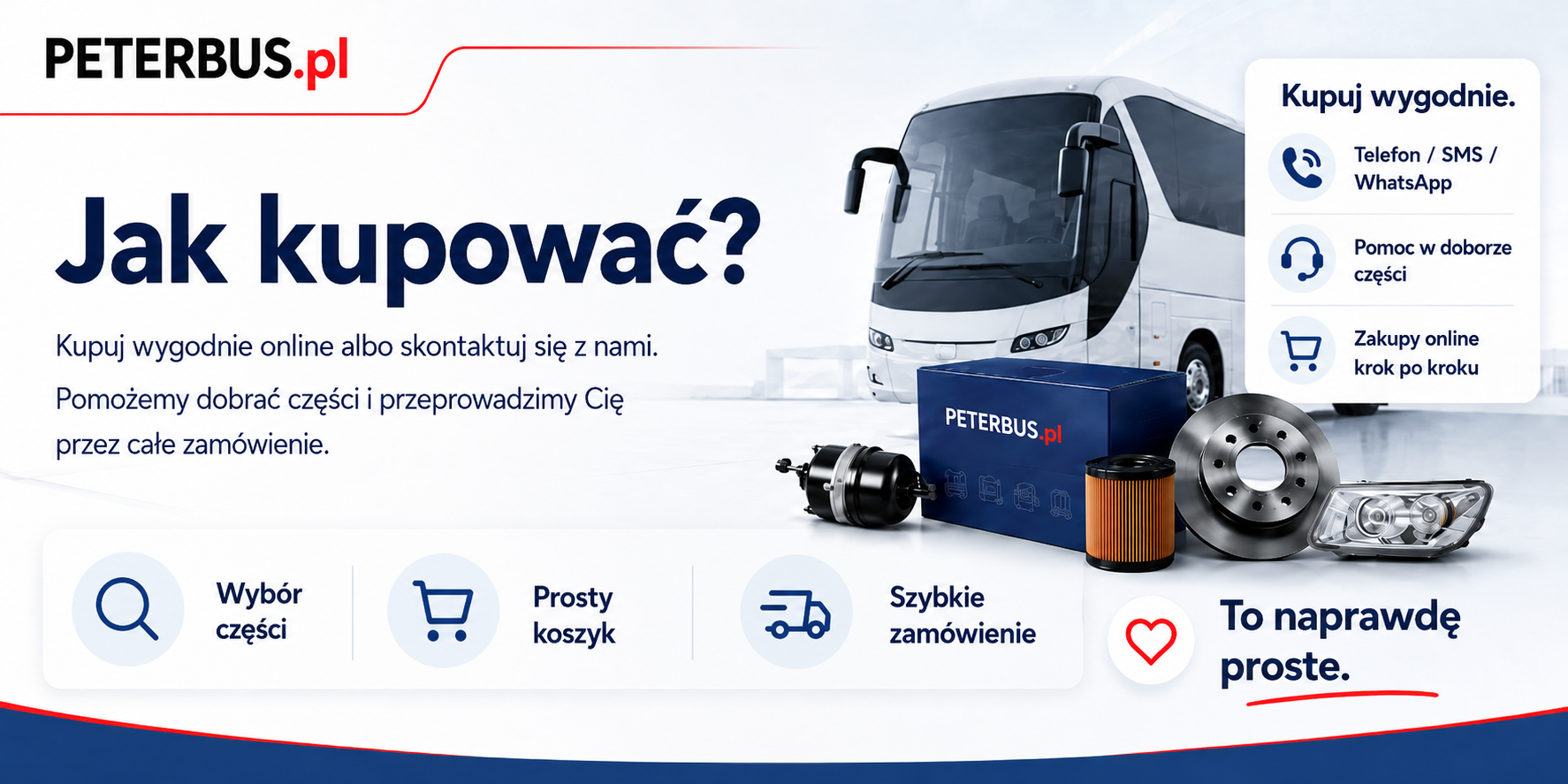
At Peterbus.pl, you can buy bus parts in whichever way is most convenient for you: by phone, SMS, WhatsApp, e-mail or directly through the online store.
If you are not sure which part is right, you do not have to search on your own. Contact us — we will help you choose the right product based on a photo, part number, manufacturer markings or vehicle details.
Contact and help with selecting parts
Would you like to discuss the bus parts you need? Are you looking for help, product information or a quick way to place an order?
Phone / SMS / WhatsApp:
500 600 711
E-mail:
info@peterbus.pl
You can also send us a photo of the part you are looking for, its catalogue number, the manufacturer marking or a brief description of the problem. This is often the quickest way to determine exactly what you need.
Online shopping at the Peterbus.pl store
If you want to search for a product yourself and place an order through the online store, you will find a simple step-by-step guide below.
It is easy — the entire process consists of selecting products, checking your cart and confirming your order.
Step 1 — Selecting products
- Browse the category list or use the search engine to find the right product.
- For each product, you will find information about its name, application, numbers, condition and availability, if provided in the description.
- If the product meets your needs, click the button to add it to the cart.
- If you want to buy more products, continue shopping and add more parts to the cart.
- Once you have completed your order, go to the cart.
Please remember: technical details are important when it comes to bus parts. If you are not sure whether a particular part will fit, contact us before purchasing.
Step 2 — Checking your cart
- In the cart, you will see the selected products, their quantities and the current order value.
- If you want to change the quantity of a product, enter the correct number and recalculate the cart.
- If you want to remove a product from the cart, use the delete icon or button next to the relevant item.
- Choose the delivery method that suits you.
- Choose a convenient payment method.
- If you have a discount coupon, enter it in the appropriate field to apply the discount.
- After checking the products and selecting the delivery and payment options, continue to place your order.
Step 3 — Order details
- If you have an account in our store, log in by entering your login details.
- If you do not have an account, you can create one or place an order without registering, if this option is available.
- Enter your first and last name or your company name.
- Enter your contact details: e-mail address and telephone number.
- Enter the delivery address.
- If the order is to be sent to a different address, select the appropriate option and enter the shipping details.
- If you need an invoice, provide the correct invoice details, including NIP.
- You can enter additional information about your order in the “Notes” field.
Step 4 — Order summary and placement
- At the summary stage, check all the details: products, quantities, delivery address, invoice details, payment method and delivery cost.
- If everything is correct, confirm your purchase by clicking the order placement button.
- After placing your order, you will receive an e-mail confirmation.
- If the store system requires additional order confirmation via a link, click the link in the message you received.
- Once your order has been accepted for processing, we will prepare the products for shipment or contact you if further clarification is needed.
Customer Account — why is it worth having one?
Registering an account in the store is not always required, but it can make future purchases easier. Registered customers can use additional conveniences, such as:
- viewing the order processing status,
- access to purchase history,
- no need to enter your details again for subsequent orders,
- the option to use individual discounts, promotional coupons or special offers, if available.
Not sure what to choose? Write or call us
Choosing a product in the bus-parts industry can be difficult, which is why we do not leave customers to deal with the problem alone. If you cannot find a part in the store or are unsure which product to choose, contact us.
We can help you fastest if you send us:
- a photo of the part you are looking for,
- the part number or manufacturer marking,
- the bus model,
- a brief description of the problem,
- information on whether you are looking for a new part, a used part or a replacement.
Phone / SMS / WhatsApp: 500 600 711
E-mail: info@peterbus.pl
We will help you choose the part, check its availability and suggest the best solution.
Vendors